
A new approach to user accounts
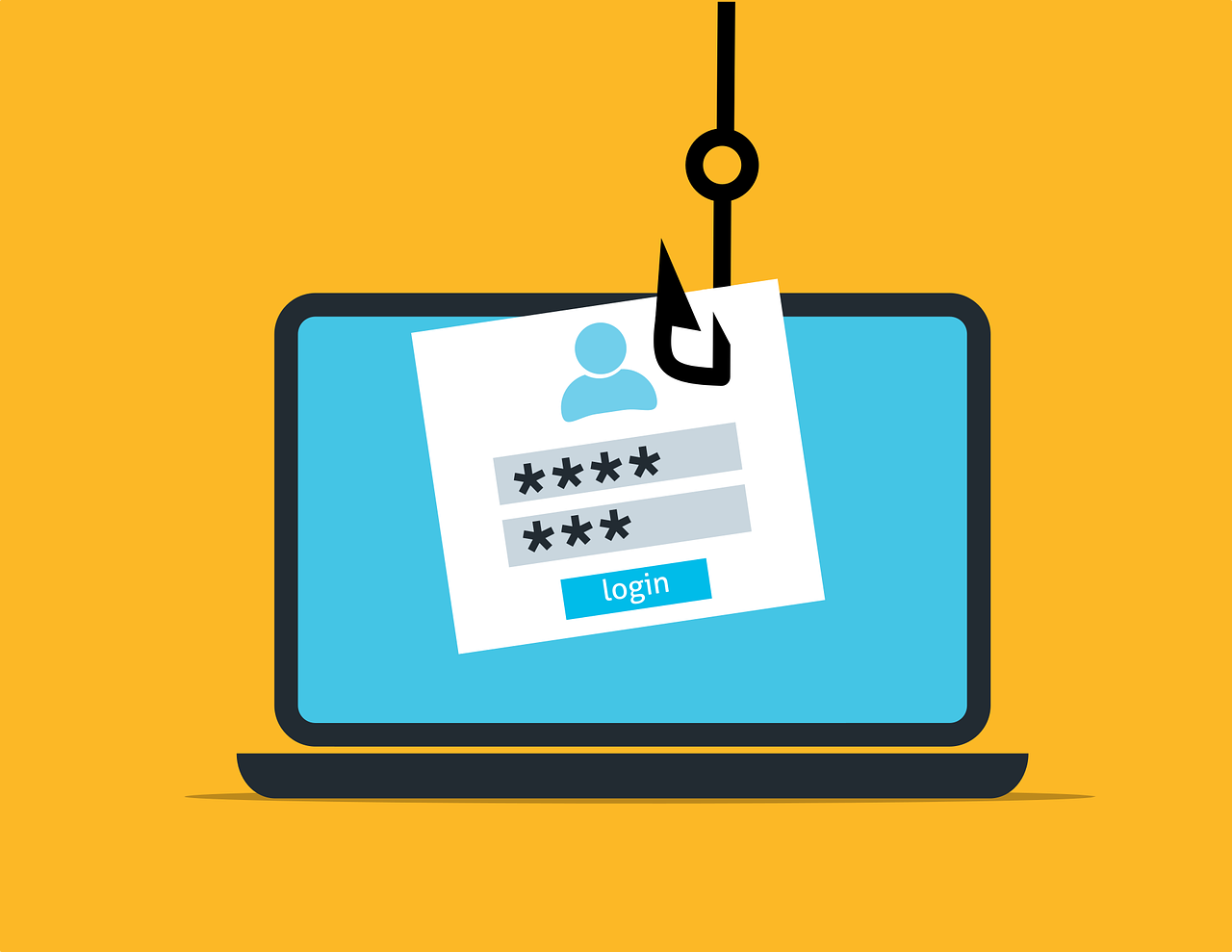
In the digital age, data, especially user-identifying data, is a liability. It seems almost every day that you hear about cyberattacks in the news. We see news headlines reporting breach after breach, massive databases of confidential data leaked on the dark web. We are slowly but insidiously losing our confidence in the digital age.
It is particularly difficult for smaller teams to keep up with the necessary regulations and compliance. Not to mention the moral responsibility to protect any data collected and prevent the harm that leakage of such data could cause.
This is why I have transitioned our user authentication system away from the traditional approach of offering email or telephone number identification along with the option to log in using third-party services (e.g. Continue with Google/Facebook etc.) to one that hands the responsibility to the user.
How it works
The functional essence of most apps doesn't require the company or developer to know the user's email address, real name, telephone number, mother's maiden name... and frankly I don't want the burden of storing and protecting this data. There are countless apps that I have downloaded and then immediately deleted due to being faced with a login screen before even achieving anything meaningful with the app.
What data is collected, if any?
This implementation of user-led authentication does not collect any identifying data from the user, instead 3 unique codes are generated:
- Unique identifier (a randomly generated code... serving a purpose similar to email in conventional systems)
- Secret (another randomly generated code... can be thought of as a password)
- Session ID (also randomly generated code on each device... not associated with the device identifier at all)
So absolutely no user-identifying data is collected!
How do I log in on another device?
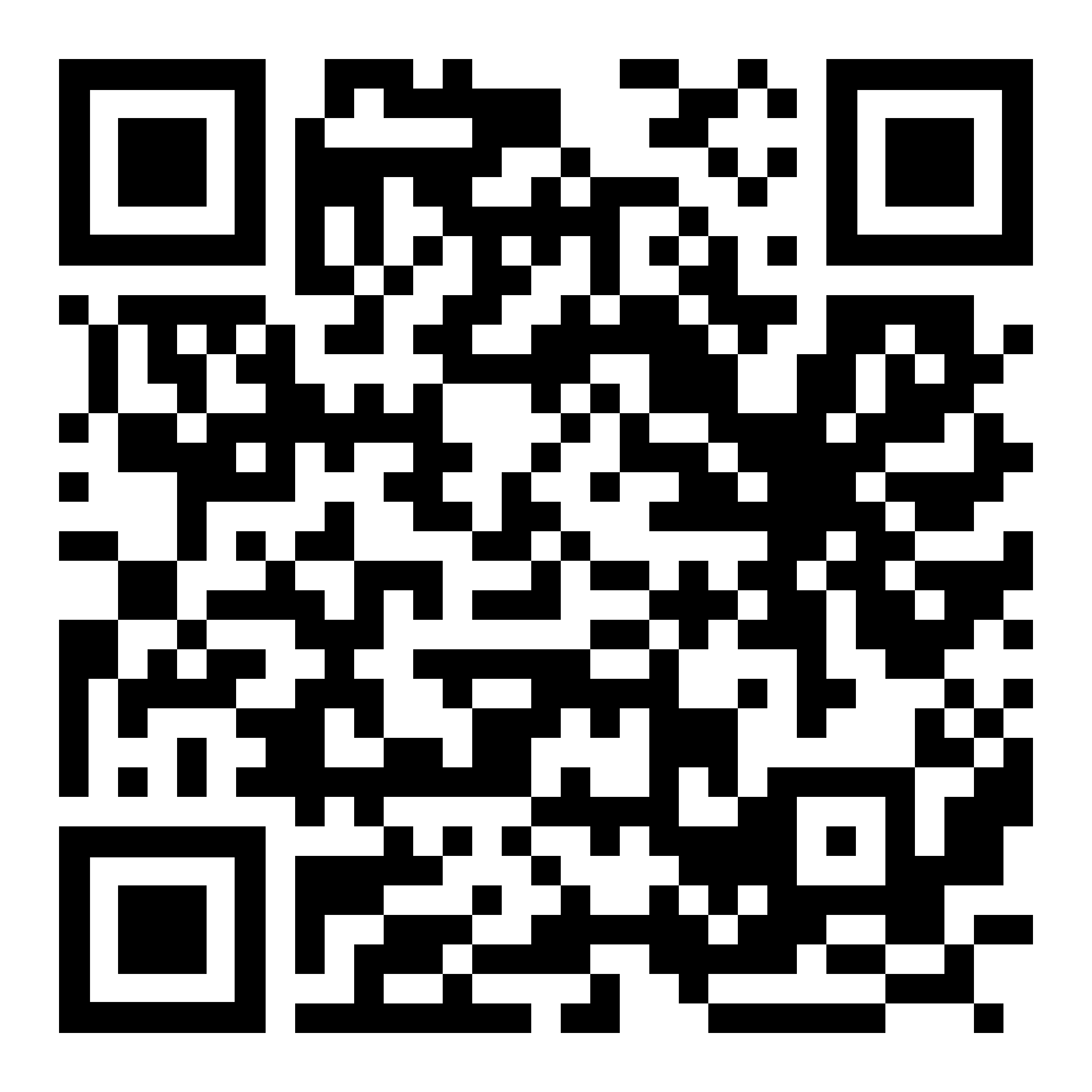
From the unique ID and secret mentioned above, a QR code is generated that then serves as your key to log in on another device. It is however your responsibility (as the user) to download and store this code!
What if I find out someone has gained access to my code?
If you know or suspect that an unauthorized person has gained access to your code, you can simply regenerate a secret (aka password within the app).
If it's so easy, what will stop someone else once they have gained access from resetting the secret?
As an opt-in for the user, we provide a multifactor authentication option. If you wish, you can protect your account with a PIN code (applying the principle of something you have and something you know). This is left entirely up to your discretion.
It sounds too good to be true ... is there a catch?
The obvious downside is that you as a user must ensure that your code is kept safe and that if lost, there is no way of regaining access to your account. That may sound drastic, but I think it's a small price to pay for the privacy and convenience you get.